Guru yang bekerja di universitas Rusia secara berkala dihadapkan pada kebutuhan untuk memberikan daftar karya ilmiah dan pendidikan mereka kepada administrasi. Misalnya untuk pemilihan (kembali) suatu jabatan, penganugerahan gelar, dll. Format penyajian informasi, Formulir No. 16, dikembangkan untuk entah kapan dan masih digunakan di kedalaman birokrasi Kementerian Ilmu Pengetahuan dan Tinggi. Pendidikan Federasi Rusia. Saya menjadi terlalu malas untuk mengisi formulir konyol ini secara manual dan saya menulis skrip python kecil yang menghasilkan tabel yang diperlukan berdasarkan informasi yang diperoleh dari perpustakaan elektronik ilmiah elibrary.ru . Mungkin seseorang akan tertarik dengan ini, jadi di bawah ini adalah deskripsi prosedur ini ...
, elibrary.ru, , «» « ». «», « ». , html-, index.html
. :

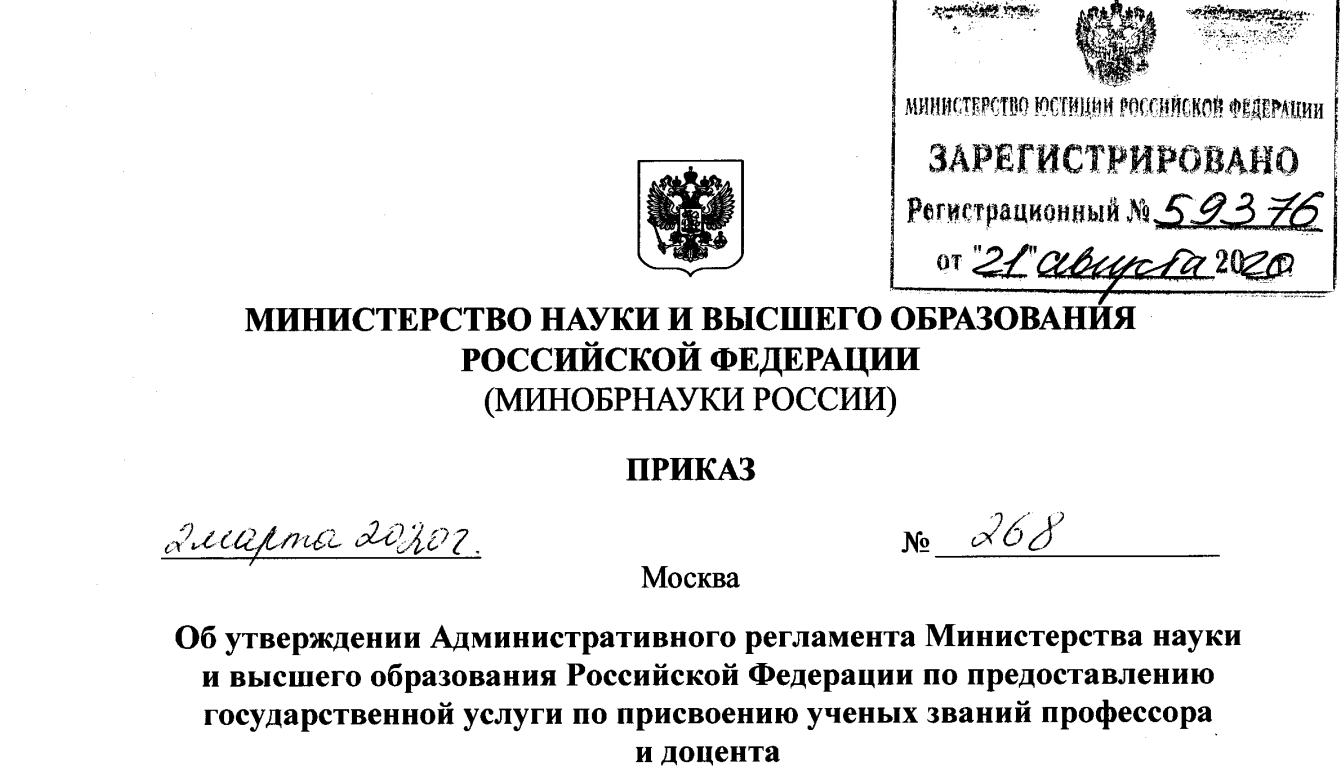
№268 ( №3 . 52) - :
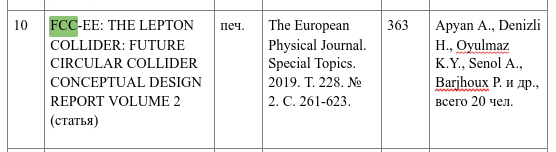
Skrip untuk mengonversi format tabel didasarkan pada penggunaan pustaka BeautifulSoup , yang sepintas lalu saya gunakan untuk pertama kali dalam hidup saya. Inilah yang saya dapatkan:
#!/usr/bin/env python3
from bs4 import BeautifulSoup
from random import randint
from re import findall
YFrom, YTo = 2015, 2020 #
def NP(s): #
pages = s.split()[-1]
if '-' in pages:
P = pages.split('-')
np = 1 + int(float(P[1])-float(P[0]))
else:
np = randint(5, 10)
return '%d' % np #
def Year(s, FROM, TO): #
Ys = findall(r'\s\d{4}\.', s) # ' 2020.'
if not Ys: Ys = findall(r'\s\d{4}', s) # ' 2020'
if not Ys: return False # -
for y in Ys: Y = int(float(y)) #
if Y<FROM or Y>TO: return False
else: return True
with open('index.html', 'r') as fp:
soup = BeautifulSoup(fp, 'html.parser') #
soup.head.style.decompose() # , css ..
aname = soup.title.get_text().split('-')[1] #
aname = f' - {aname:s}\n'
soup.title.string = aname #
soup.find('span').string = aname #
soup.find('i').decompose() # -
soup.find('table').decompose() #
table = soup.find('table') #
table['border'] = 1 #
table['width'] = '100%' #
N = 1 #
rows = table.find_all('tr') #
for i in range(len(rows)): #
cols = rows[i].find_all('td') #
if len(cols)==3 and cols[1].find('span'): #
content = cols[1].get_text() #
title = cols[1].find('span').get_text() #
authors = cols[1].find('i').get_text() #
cites = int(cols[2].get_text()) #
content = content.replace(title, '') # , :
content = content.replace(authors, '') # content
thesis = content.replace(' : ','') #
abbook = content.replace(' : ','') #
if thesis != content: #
title += ' ()'; content = thesis #
elif abbook != content: #
title += ' ()'; content = abbook #
else: #
if '' in content: title+= ' ()'#
elif '' in content: title+= ' ()'#
else: title += ' ()' #
authors = authors.split(', ') #
if cites<10 or not Year(content, YFrom, YTo): #
rows[i].decompose() #
else: # - -
anumber = len(authors)
if anumber<5: PS = ''
else: PS = f' ., {anumber:d} .'
authors = ', '.join(authors[0:5]) + PS
cols[0].string = f'{N:3d}' #
cols[1].string = title #
cols[2].string = "." #
for info in [content, NP(content), authors]: #
A = soup.new_tag('td'); A.string = info ; rows[i].append(A)
N+= 1
else:
rows[i].decompose()
tr = soup.new_tag('tr') #
names = ['№ \', ' , ', ' ', ' ', ' .. .', '']
for name in names:
th = soup.new_tag('th')
th.string = name
tr.append(th)
table.insert(0, tr)
with open('table.html', 'w', encoding='utf-8') as fp: fp.write(str(soup))
Untuk menyelesaikan tugas, Anda perlu menjalankan skrip di folder yang berisi file index.html
tempat kami menyimpan tabel dengan elibrary.ru. Pada keluarannya, sebuah file dihasilkan table.html
yang dapat dengan mudah diunggah ke google docs, di mana ia dapat mengalami pengeditan akhir seperti mengubah lebar kolom, memilih font, dll.