Mempertahankan sekumpulan container adalah salah satu manfaat utama menggunakan Kubernetes .
Pada artikel ini, saya ingin memahami aspek ini dalam praktiknya, yaitu, bagaimana memeriksa apakah kontainer masih hidup dan bagaimana mereka di-restart jika perlu, serta bagaimana kami, pengembang aplikasi, dapat membantu sistem orkestrasi dalam hal ini.
Untuk mulai bereksperimen, saya membutuhkan cluster Kubernetes. Saya akan menggunakan lingkungan pengujian yang disediakan oleh Docker Desktop. Untuk melakukan ini, Anda hanya perlu mengaktifkan Kubernetes di pengaturan.
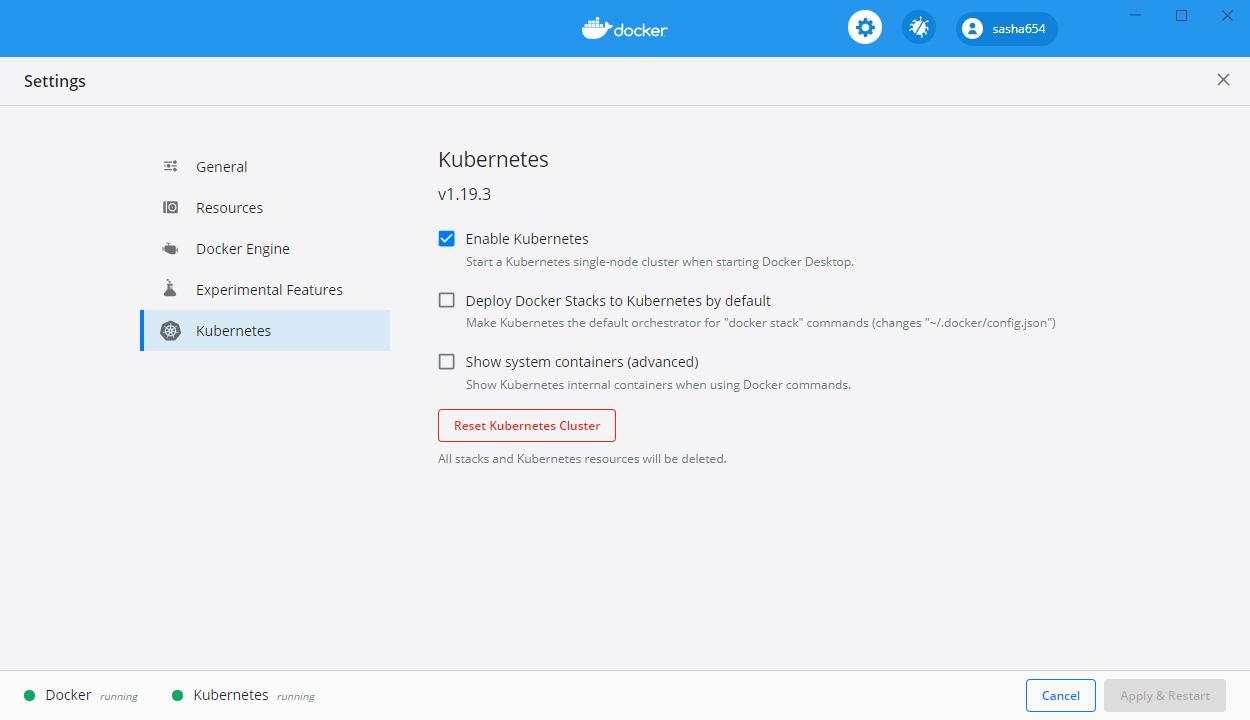
Cara menginstal Docker Desktop di Windows 10 dapat ditemukan di bagian pertama artikel ini .
Membangun API Web
Untuk eksperimen lebih lanjut, saya akan membuat layanan web sederhana berdasarkan template ASP.NET Core Web API.
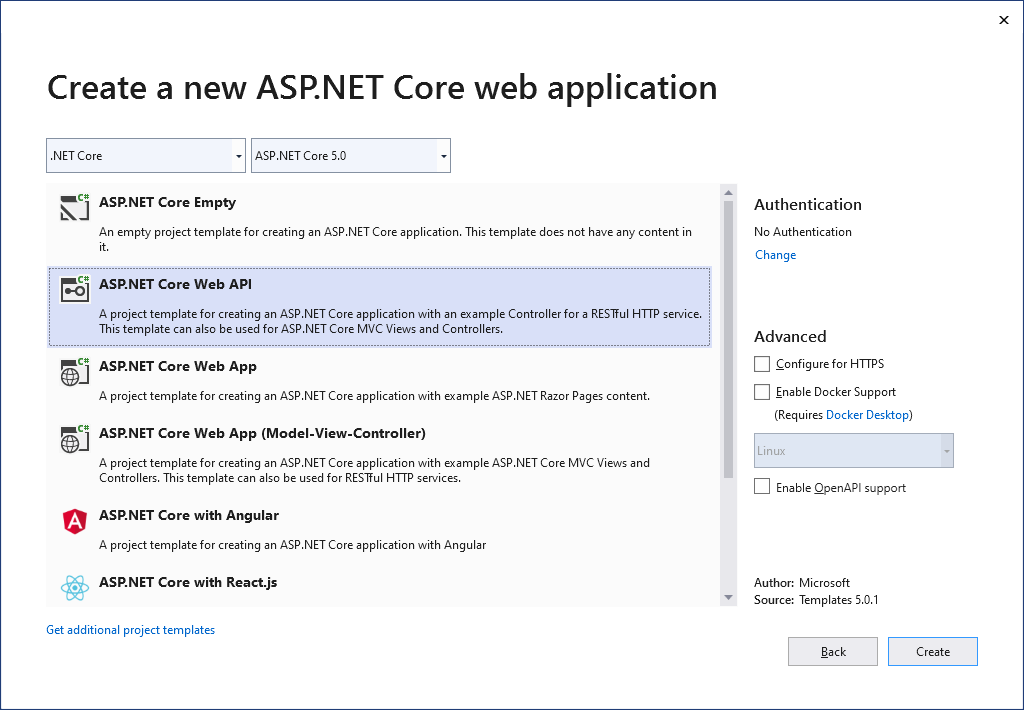
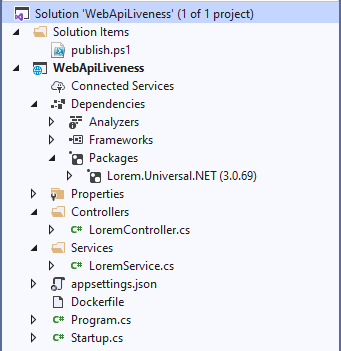
Saya akan menambahkan melalui Package Manager sebuah paket untuk menghasilkan teks acak dengan perintah Install-Package Lorem.Universal.Net -Version 3.0.69
Ubah file Program.cs
using Microsoft.AspNetCore.Hosting;
using Microsoft.Extensions.Hosting;
using System;
namespace WebApiLiveness
{
public class Program
{
private static int _port = 80;
private static TimeSpan _kaTimeout = TimeSpan.FromSeconds(1);
public static void Main(string[] args)
{
CreateAndRunHost(args);
}
public static void CreateAndRunHost(string[] args)
{
var host = Host
.CreateDefaultBuilder(args)
.ConfigureWebHostDefaults(webBuilder =>
{
webBuilder
.UseKestrel(options =>
{
options.ListenAnyIP(_port);
options.Limits.KeepAliveTimeout = _kaTimeout;
})
.UseStartup<Startup>();
})
.Build();
host.Run();
}
}
}
Saya akan menambahkan kelas LoremService ke proyek , yang akan mengembalikan teks yang dibuat secara acak
using LoremNET;
namespace WebApiLiveness.Services
{
public class LoremService
{
private int _wordCountMin = 7;
private int _wordCountMax = 12;
public string GetSentence()
{
var sentence = Lorem.Sentence(_wordCountMin, _wordCountMax);
return sentence;
}
}
}
Di kelas Startup saya akan mendaftarkan layanan yang dibuat
public void ConfigureServices(IServiceCollection services)
{
services.AddSingleton<LoremService>();
services.AddControllers();
}
LoremController
using Microsoft.AspNetCore.Mvc;
using System;
using System.Net;
using WebApiLiveness.Services;
using Env = System.Environment;
namespace WebApiLiveness.Controllers
{
[ApiController]
[Route("api/[controller]")]
public class LoremController : ControllerBase
{
private readonly LoremService _loremService;
public LoremController(LoremService loremService)
{
_loremService = loremService;
}
//GET api/lorem
[HttpGet]
public ActionResult<string> Get()
{
try
{
var localIp = Request.HttpContext.Connection.LocalIpAddress;
var loremText = _loremService.GetSentence();
var result =
$"{Env.MachineName} ({localIp}){Env.NewLine}{loremText}";
return result;
}
catch (Exception)
{
return new StatusCodeResult(
(int)HttpStatusCode.ServiceUnavailable);
}
}
}
}
, Dockerfile . , ASP.NET .NET 5.
FROM mcr.microsoft.com/dotnet/aspnet:5.0-buster-slim
COPY bin/Release/net5.0/linux-x64/publish/ App/
WORKDIR /App
ENTRYPOINT ["dotnet", "WebApiLiveness.dll"]
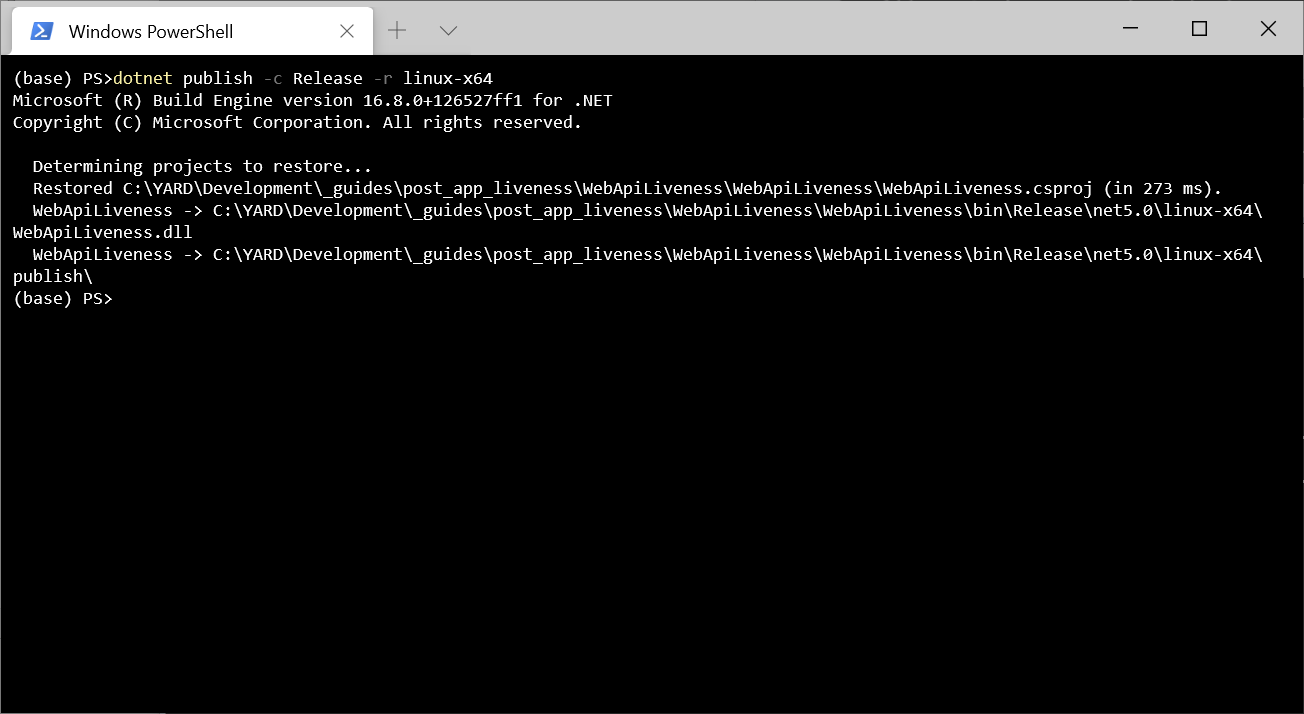
dotnet publish -c Release -r linux-x64
, Dockerfile. , docker build -t sasha654/webapiliveness .
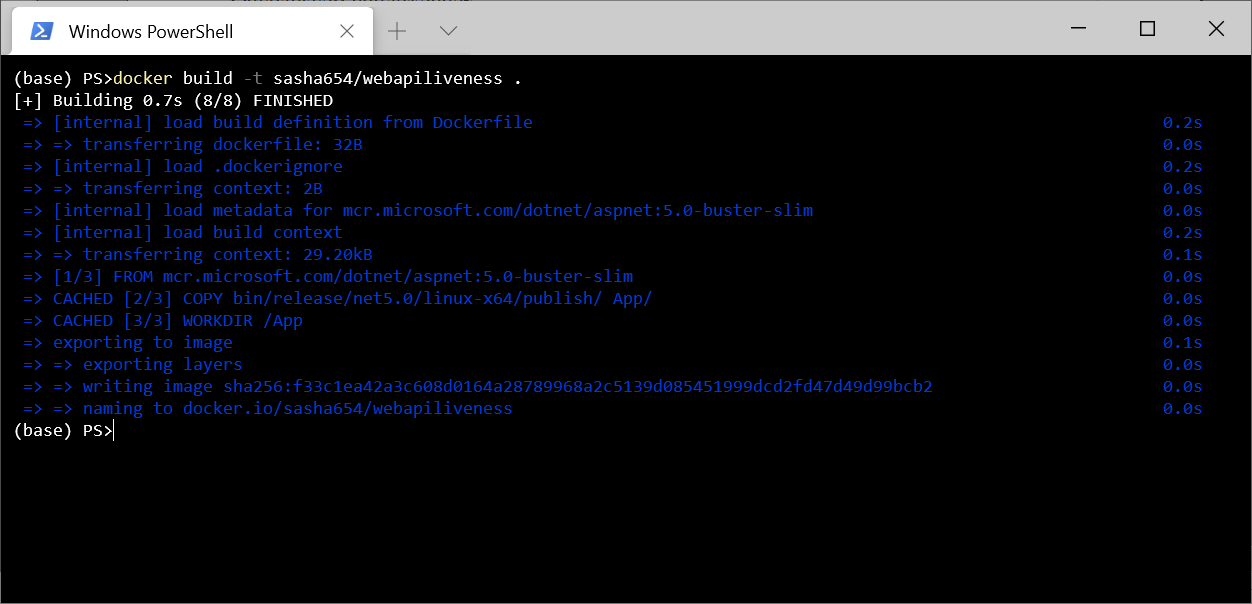
, Docker Hub docker push sasha654/webapiliveness
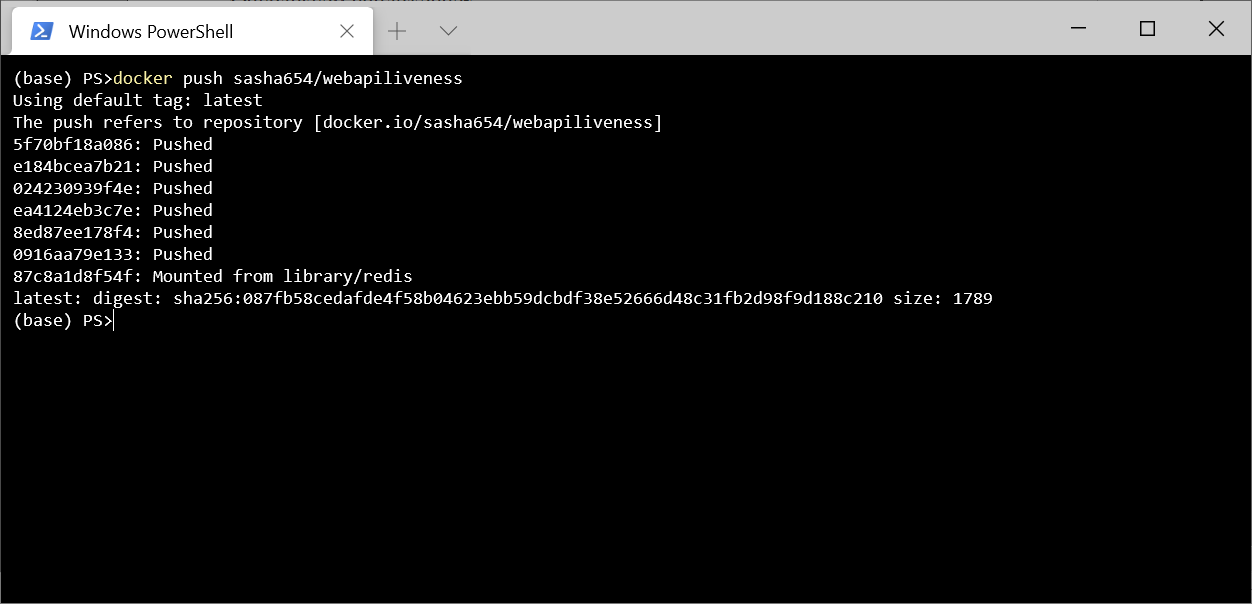
. Docker Hub, , sasha654 Docker ID, .
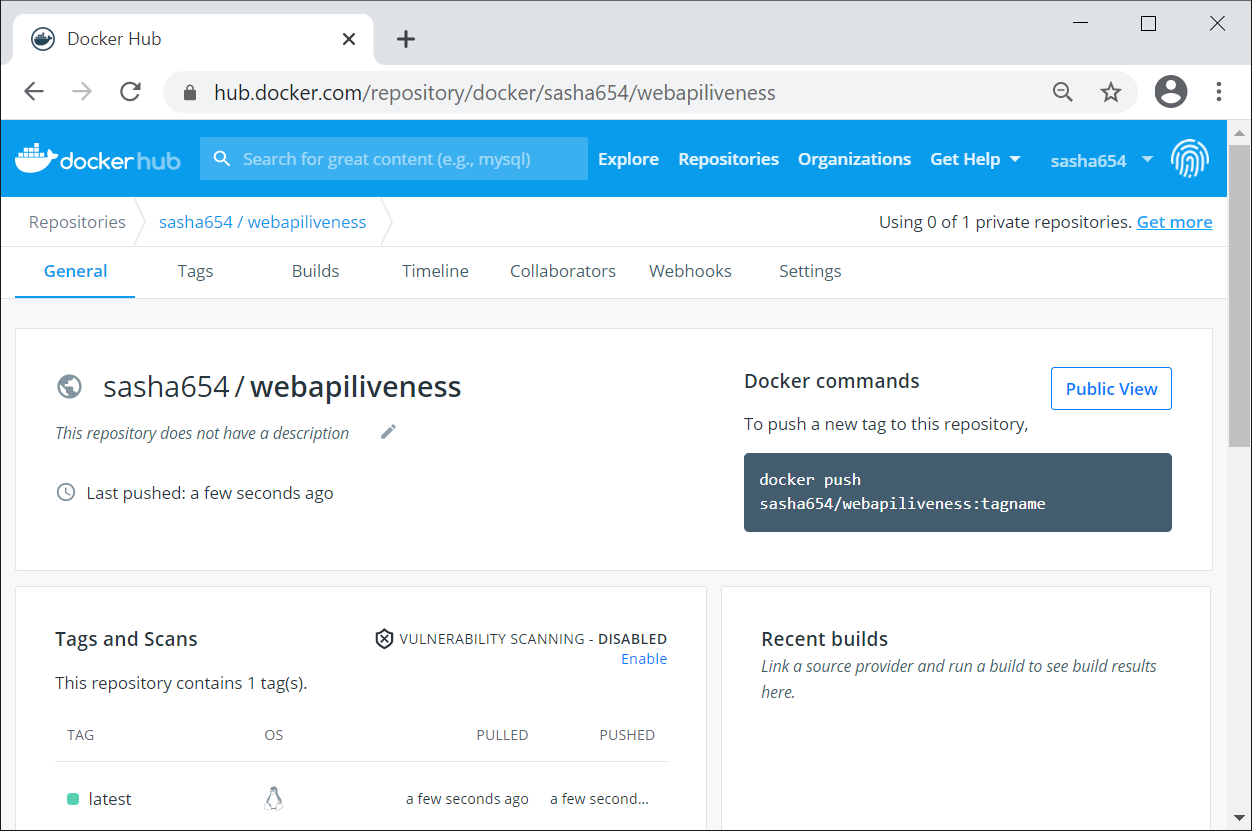
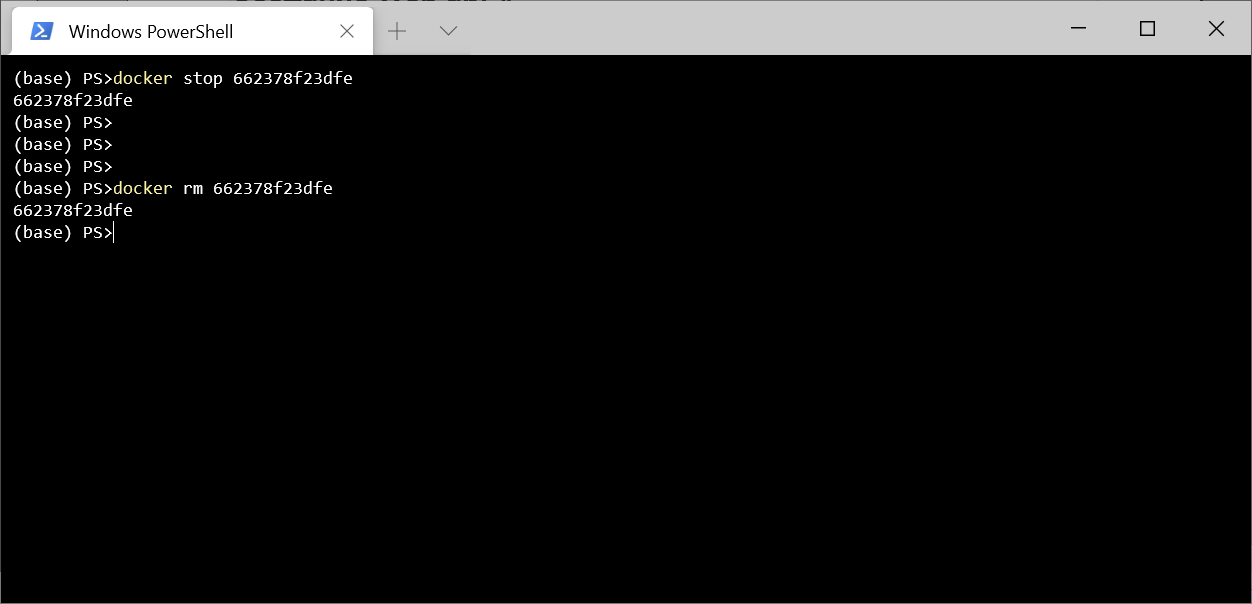
Kubernetes, , Docker docker run -p 8080:80 -d sasha654/webapiliveness
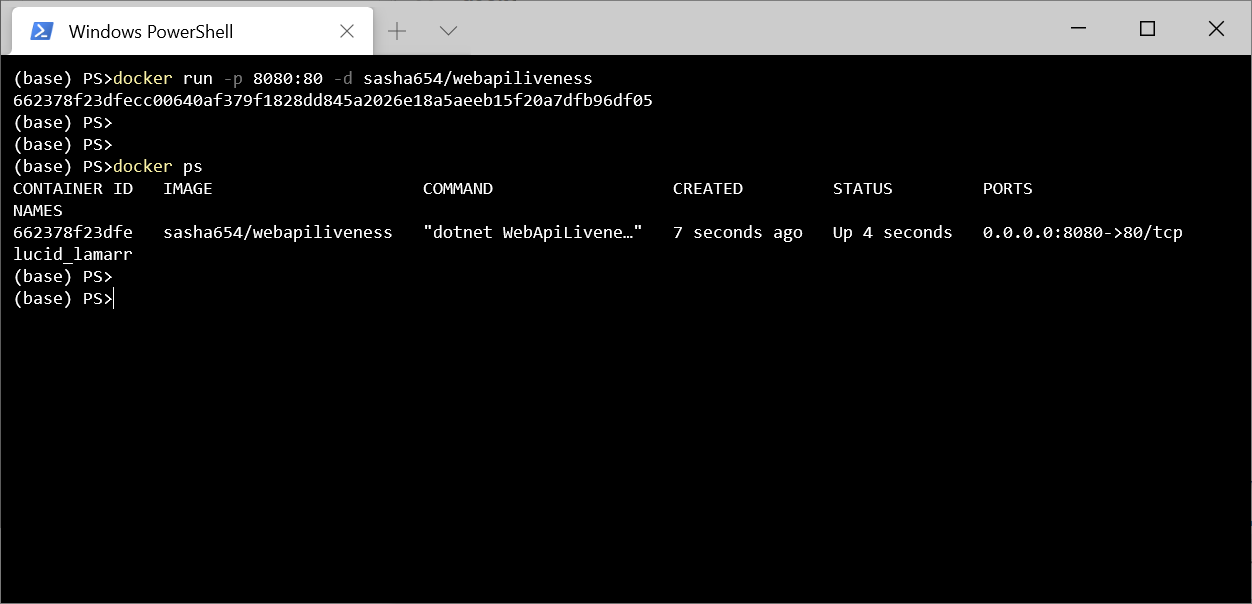
curl http://localhost:8080/api/lorem
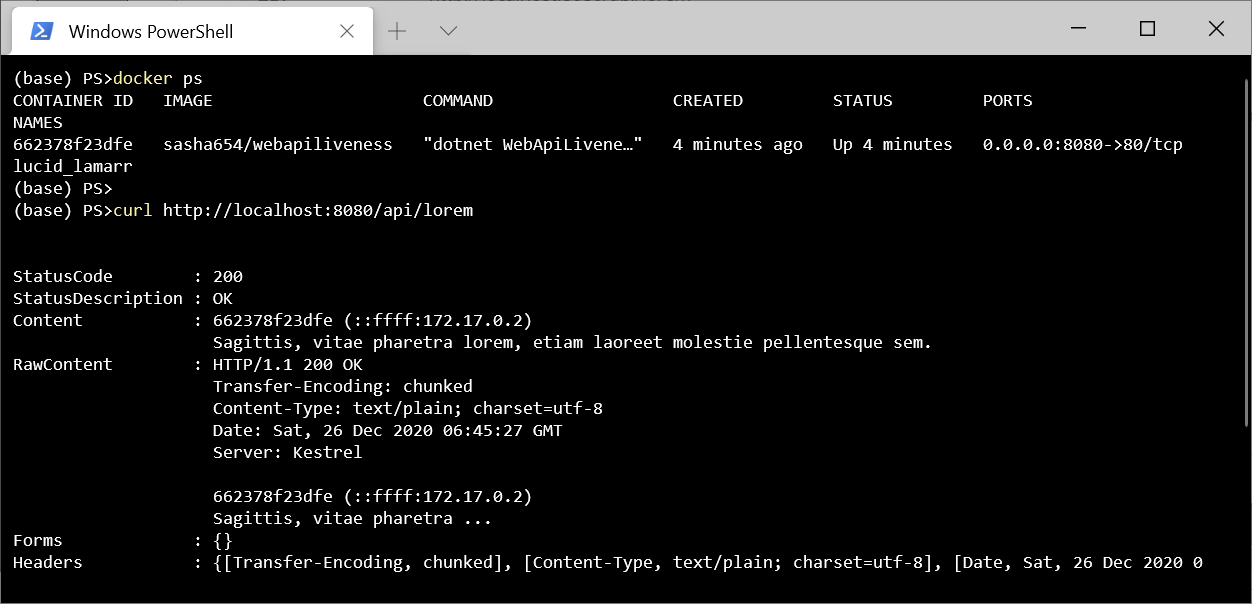
! , , .
Kubernetes
Kubernetes, Pod – , () ( ) .
. Kubernetes – ReplicaSet, .
ReplicaSet 3 sasha654/webapiliveness. api: loremapi.
apiVersion: apps/v1
kind: ReplicaSet
metadata:
name: myrs
spec:
replicas: 3
selector:
matchLabels:
api: loremapi
template:
metadata:
labels:
api: loremapi
spec:
containers:
- name: webapiliveness
image: sasha654/webapiliveness
kubectl create -f kuber-rs.yaml
, kubectl get rs
kubectl get pods --show-labels
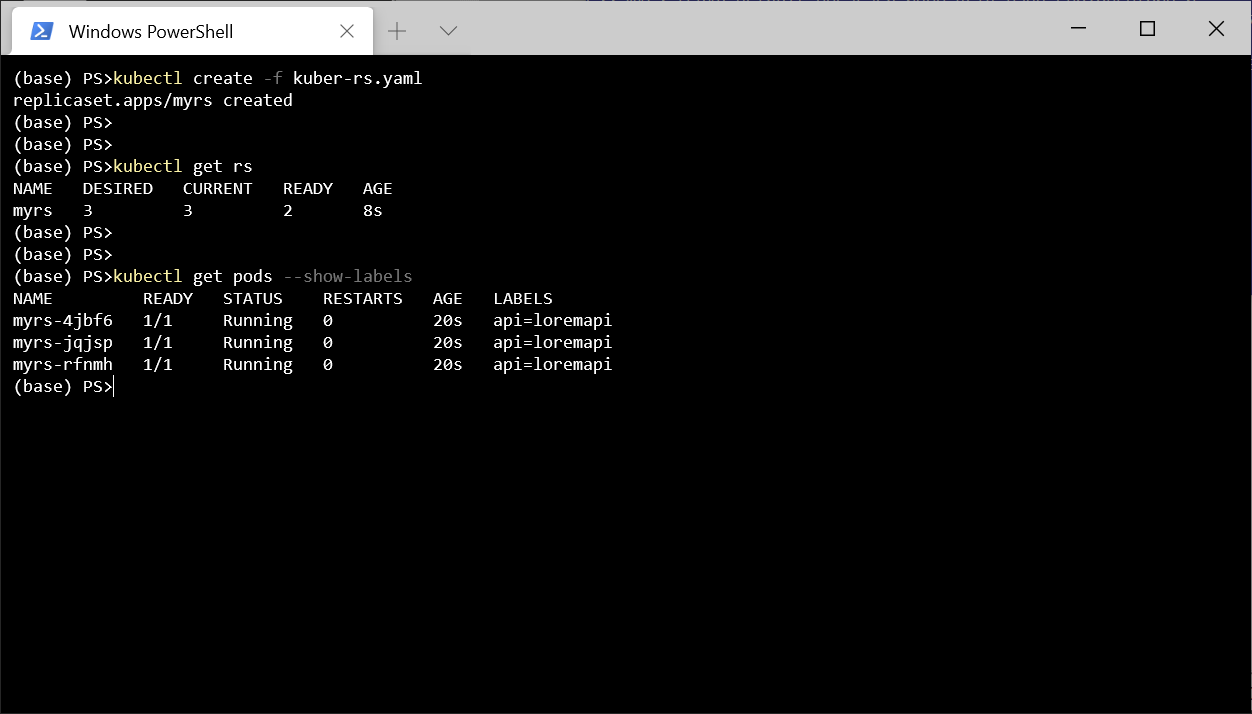
, Service LoadBalancer . , , spec.
apiVersion: v1
kind: Service
metadata:
name: mylb
spec:
type: LoadBalancer
selector:
api: loremapi
ports:
- port: 8080
targetPort: 80
kubectl get svc
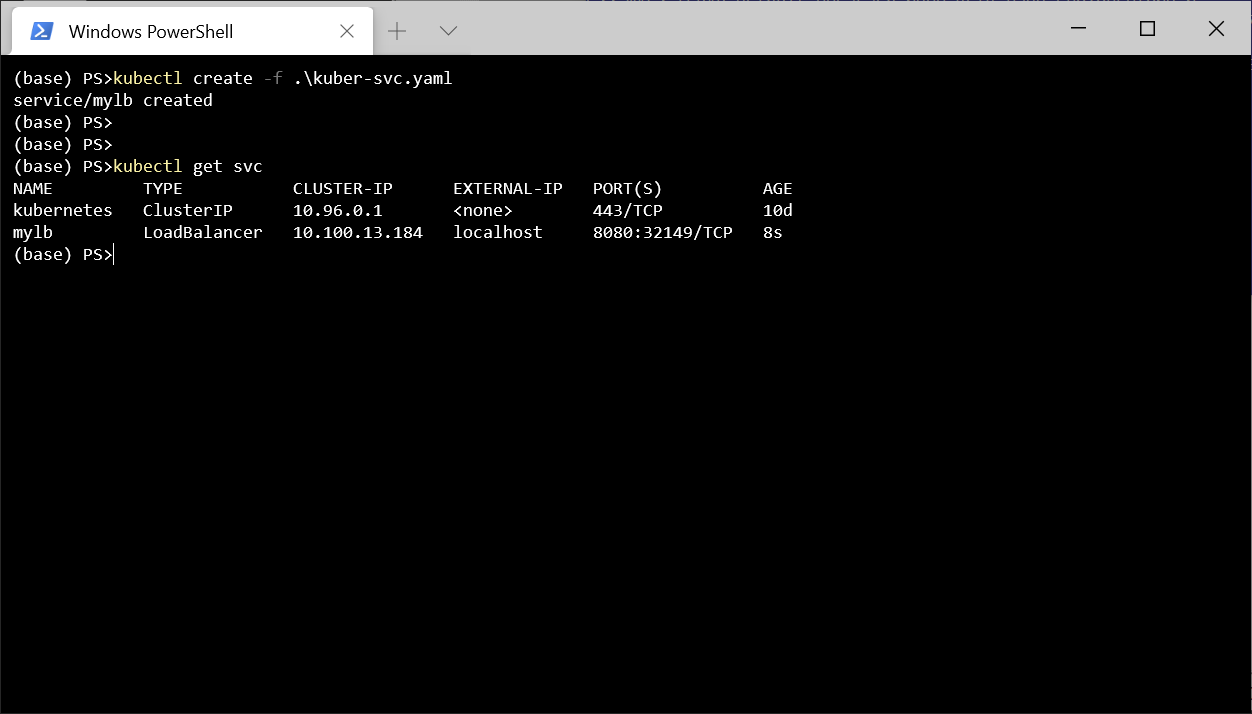
Postman http://localhost:8080/api/lorem
. .
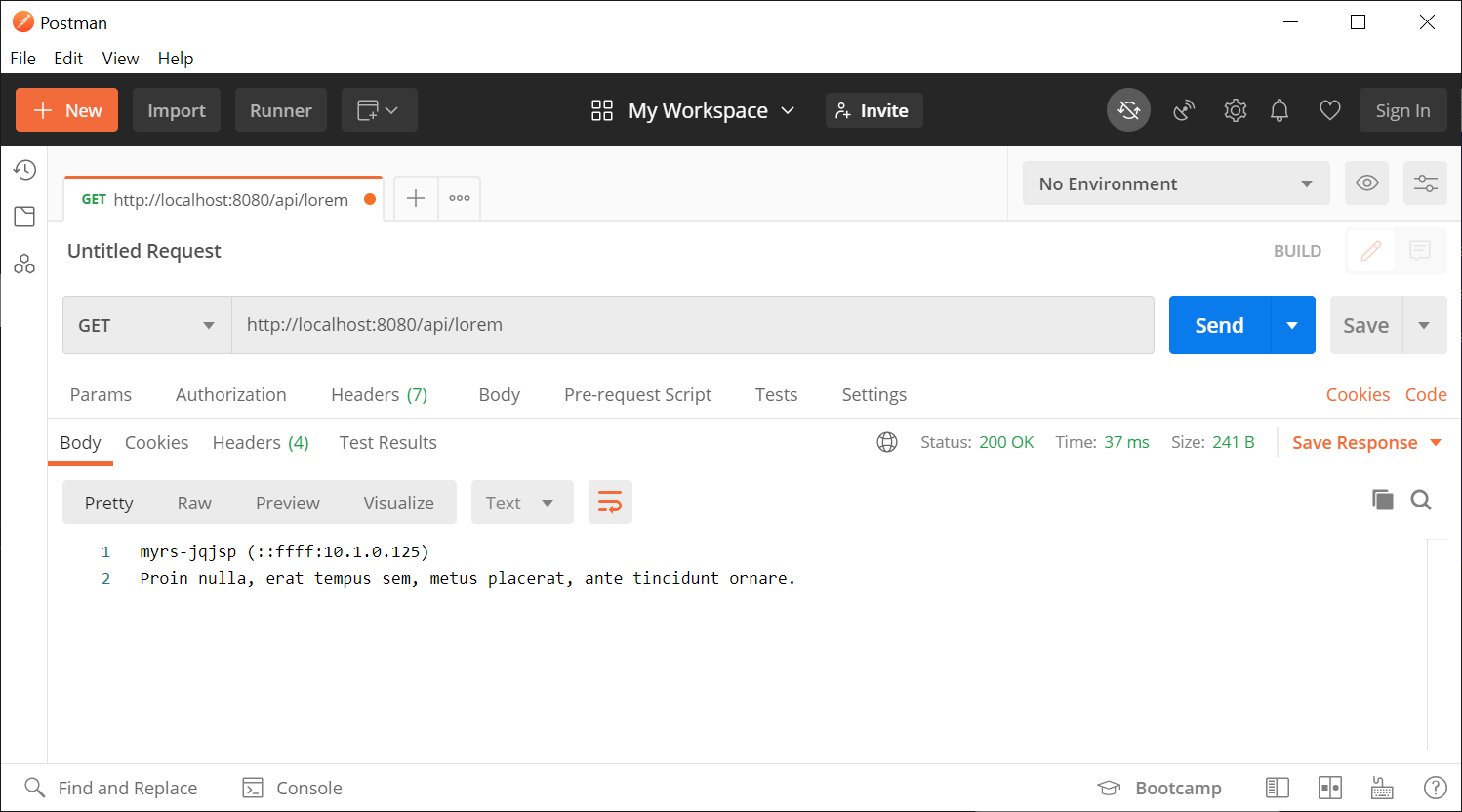
. . , , . , . , , Program.cs KeepAliveTimeout 1 , 2 , . , , , .
- , , - , , Kubernetes . Pod , , - , Kubernetes Pod.
, kubectl delete pod myrs-jqjsp
, , .
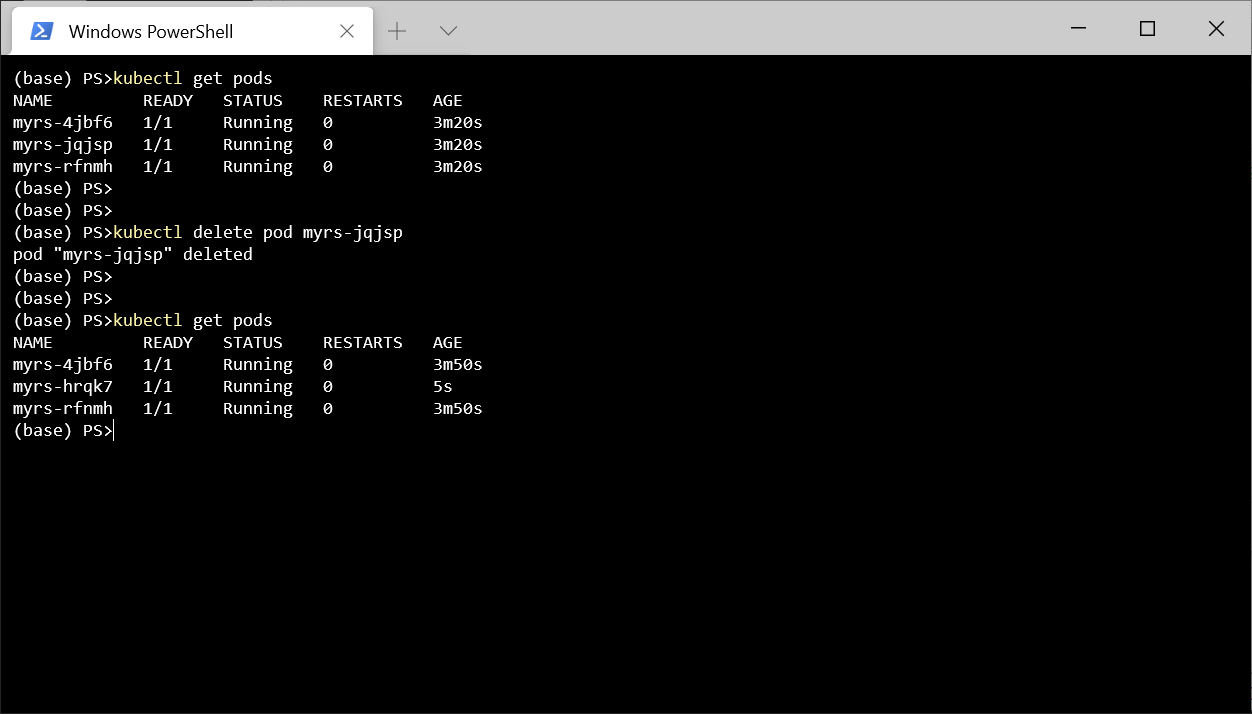
kubectl delete all --all
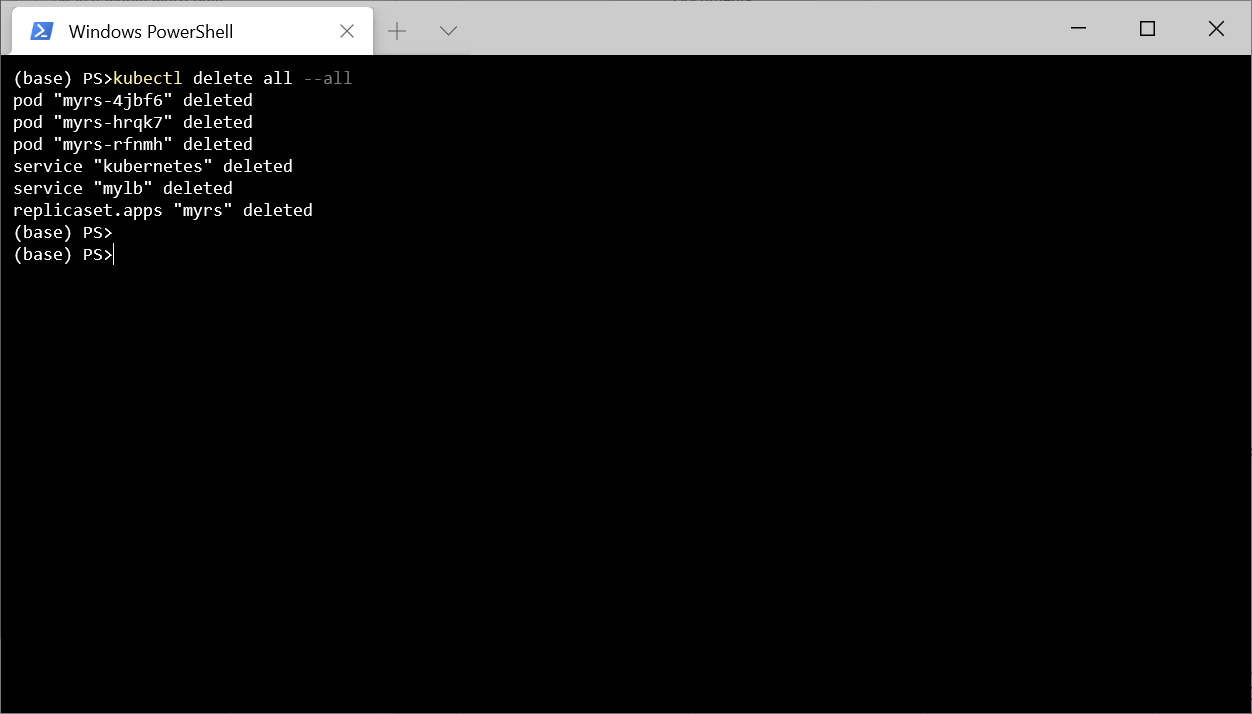
, , Kuberntes .
, , , Kubernetes , . , , , Kubernetes, .
, 3 .
exec. 0, .
TCP-. , .
GET- . , , , .
-, GET-. Docker Hub 1, .. - 2 .
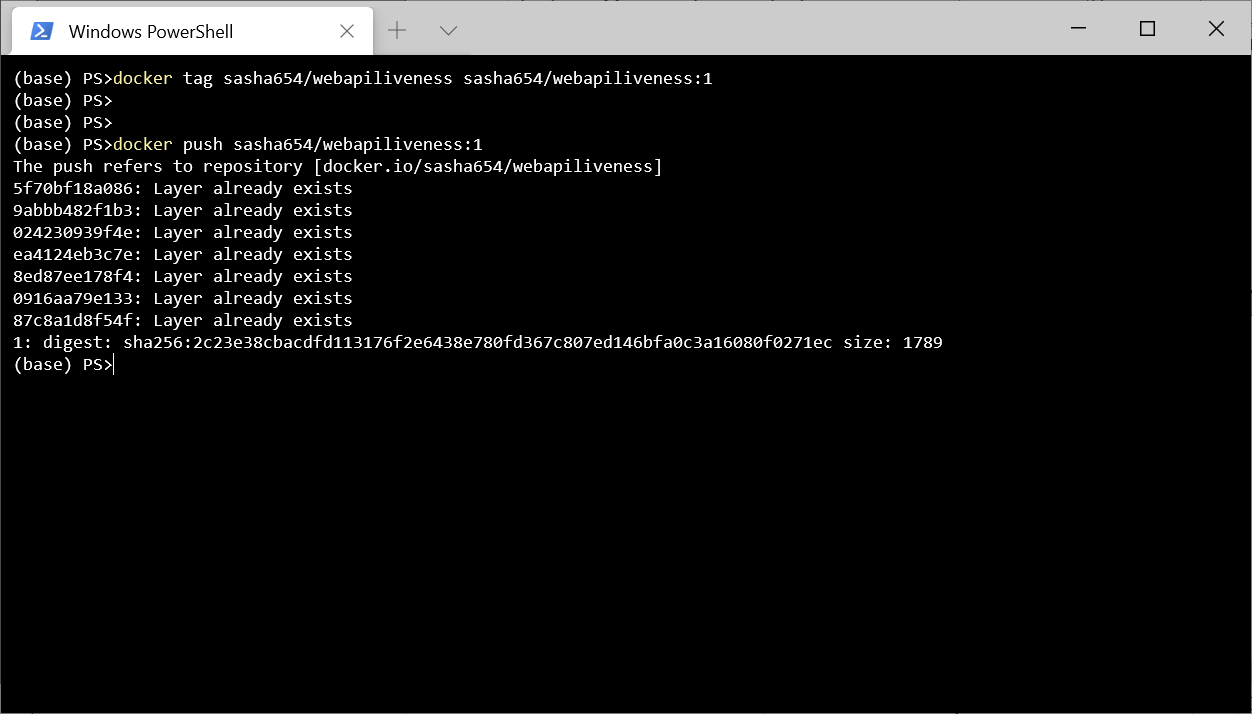
LoremService , API, , Kubernetes .
using LoremNET;
using System;
namespace WebApiLiveness.Services
{
public class LoremService
{
private int _wordCountMin = 7;
private int _wordCountMax = 12;
private int _numRequestBeforeError = 5;
private int _requestCounter = 0;
public LoremService()
{
IsOk = true;
}
public bool IsOk { get; private set; }
public string GetSentence()
{
if (_requestCounter < _numRequestBeforeError)
{
_requestCounter++;
var sentence = Lorem.Sentence(
_wordCountMin, _wordCountMax);
return sentence;
}
else
{
IsOk = false;
throw new InvalidOperationException(
$"{nameof(LoremService)} not available");
}
}
}
}
HealthController, GET- .
using Microsoft.AspNetCore.Mvc;
using System.Net;
using WebApiLiveness.Services;
namespace WebApiLiveness.Controllers
{
[ApiController]
[Route("api/[controller]")]
public class HealthController
{
private readonly LoremService _loremService;
public HealthController(LoremService loremService)
{
_loremService = loremService;
}
//GET api/health
[HttpGet]
public StatusCodeResult Get()
{
if (_loremService.IsOk)
{
return new OkResult();
}
else
{
return new StatusCodeResult(
(int)HttpStatusCode.ServiceUnavailable);
}
}
}
}
, Docker Hub, 2.
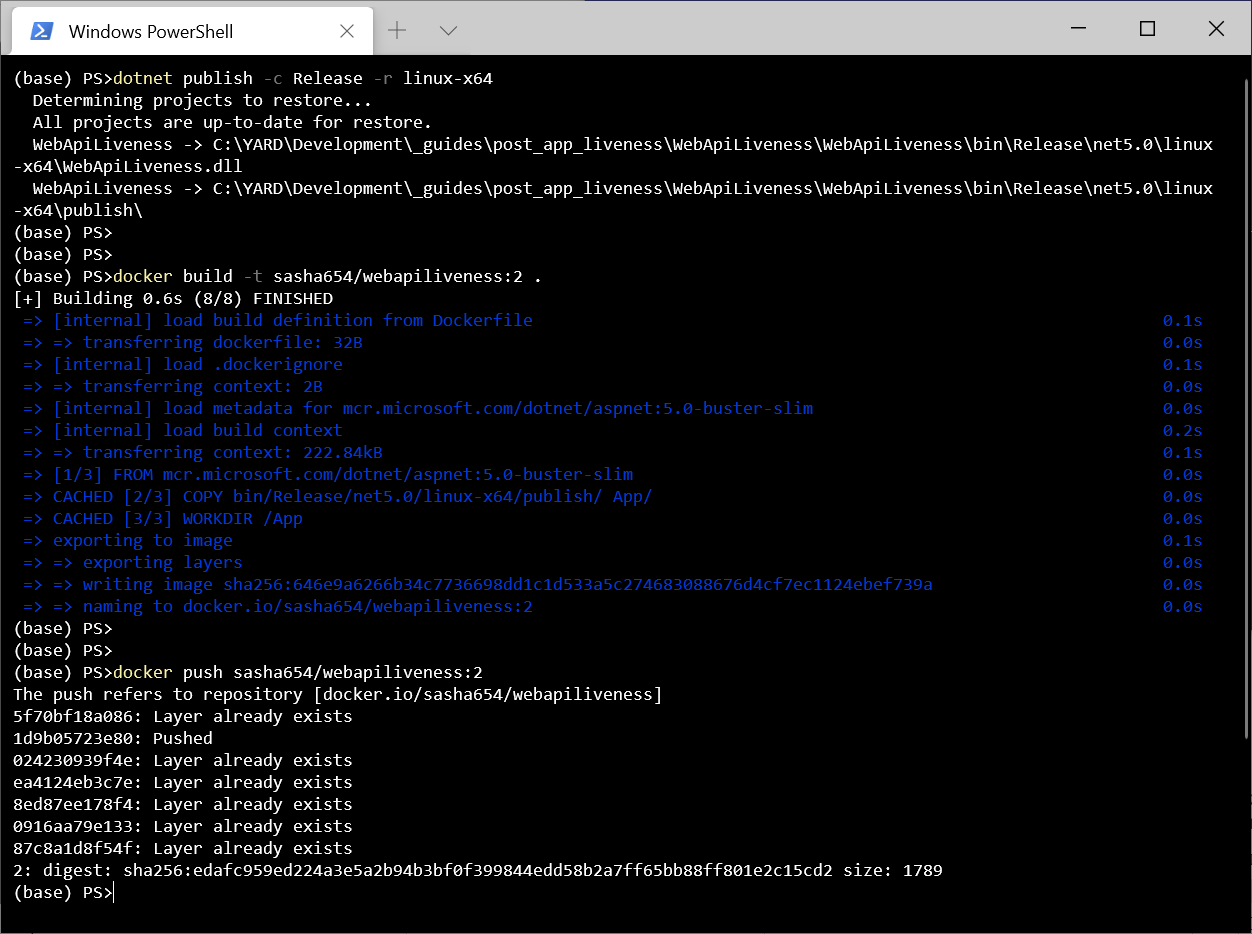
ReplicaSet . , , 1 , livenessProbe, Kubernetes .
apiVersion: apps/v1
kind: ReplicaSet
metadata:
name: myrs
spec:
replicas: 1
selector:
matchLabels:
api: loremapi
template:
metadata:
labels:
api: loremapi
spec:
containers:
- name: webapiliveness
image: sasha654/webapiliveness:2
livenessProbe:
httpGet:
path: /api/health
port: 80
initialDelaySeconds: 10
periodSeconds: 3
. , ReplicaSet Service.
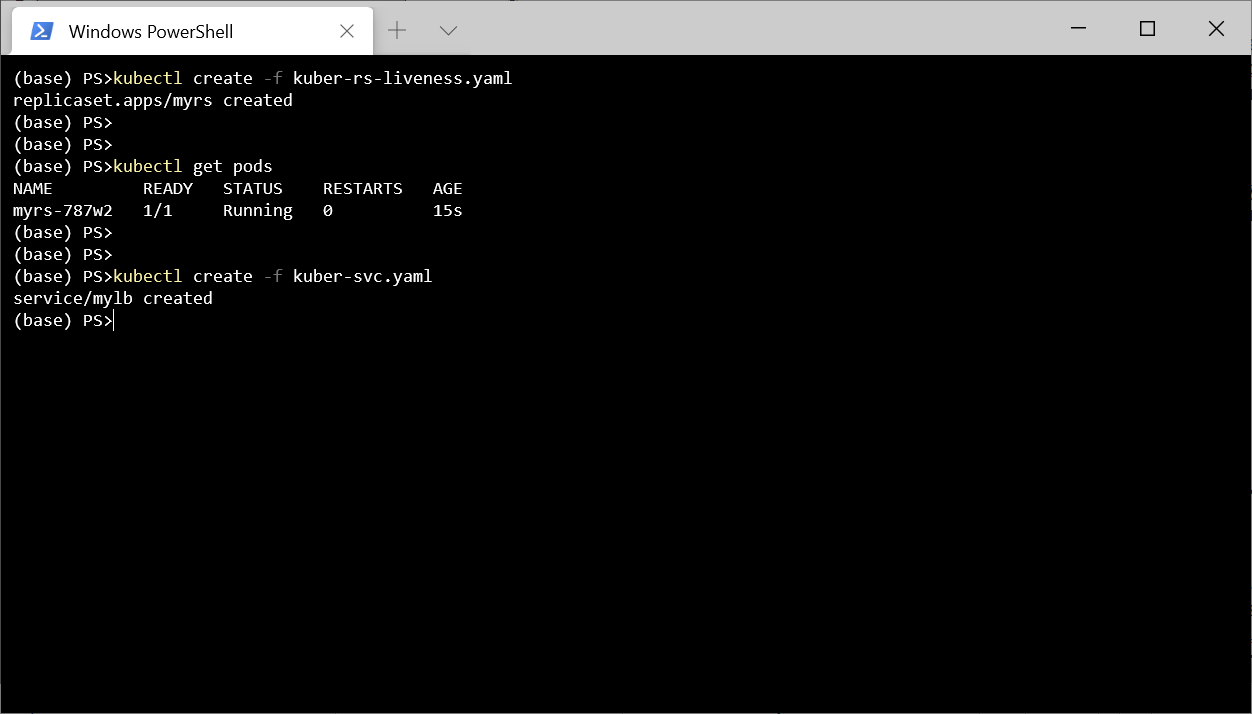
5 http://localhost:8080/api/lorem
.
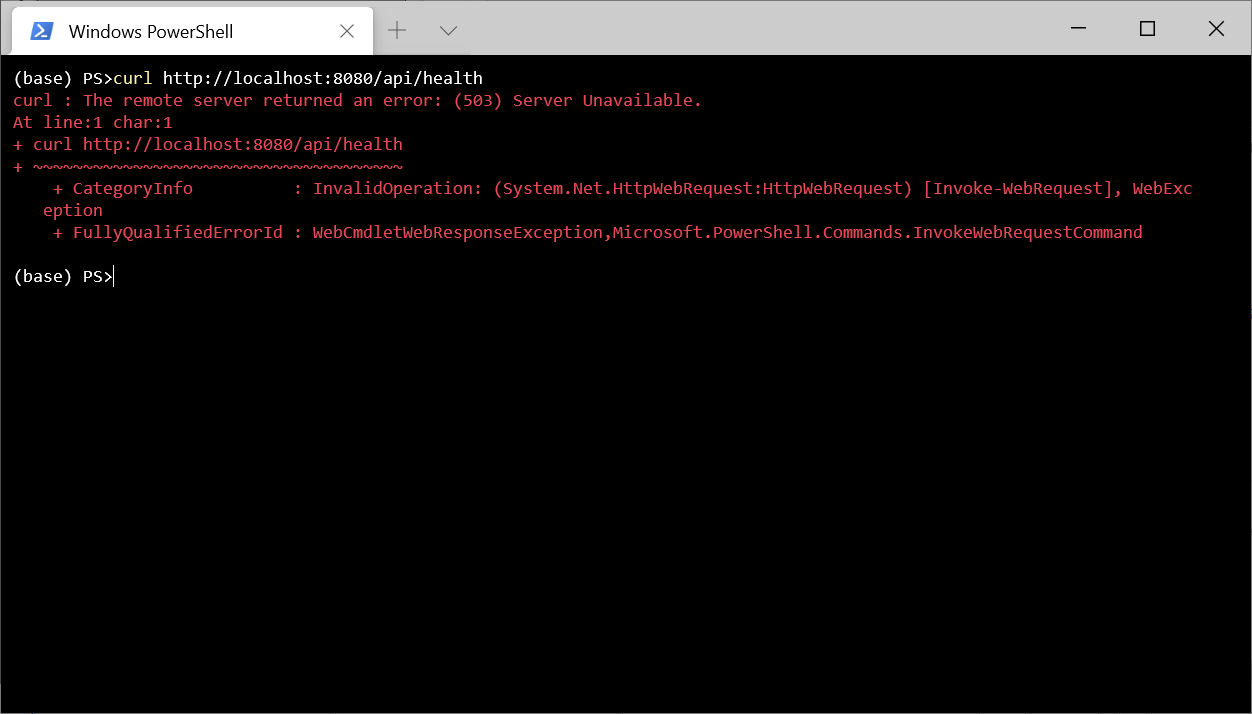
.
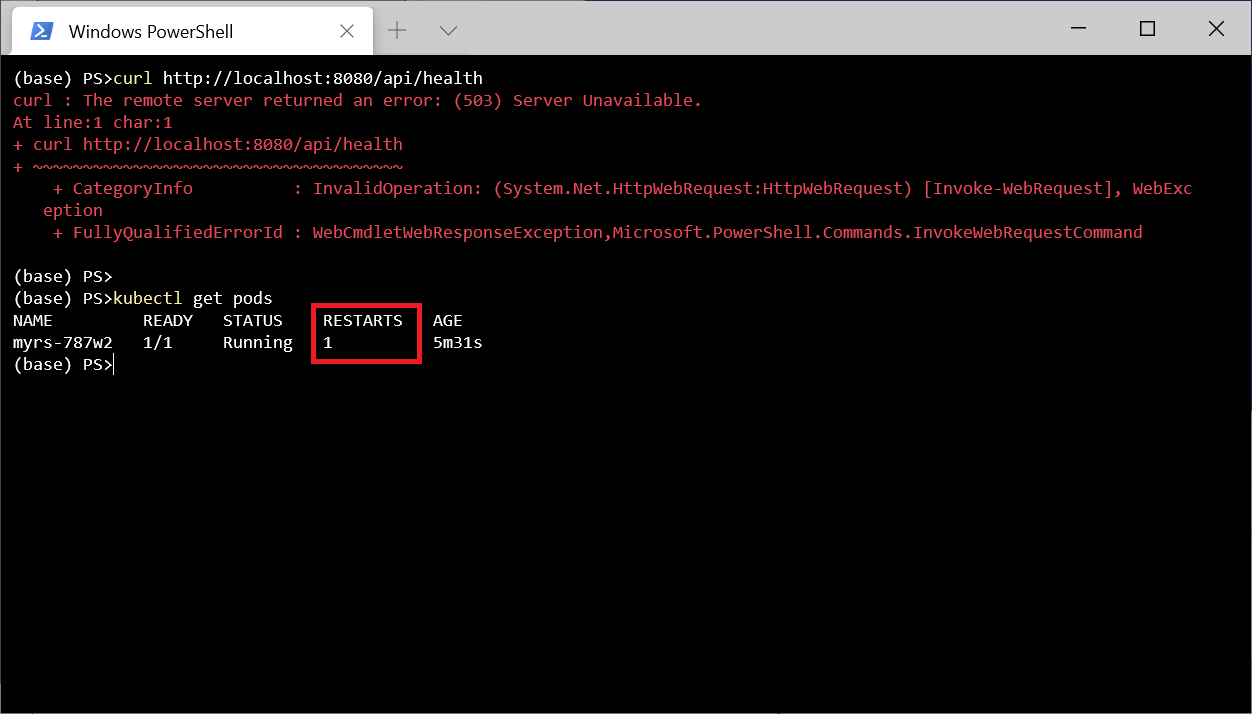
, kubectl describe pod myrs-787w2
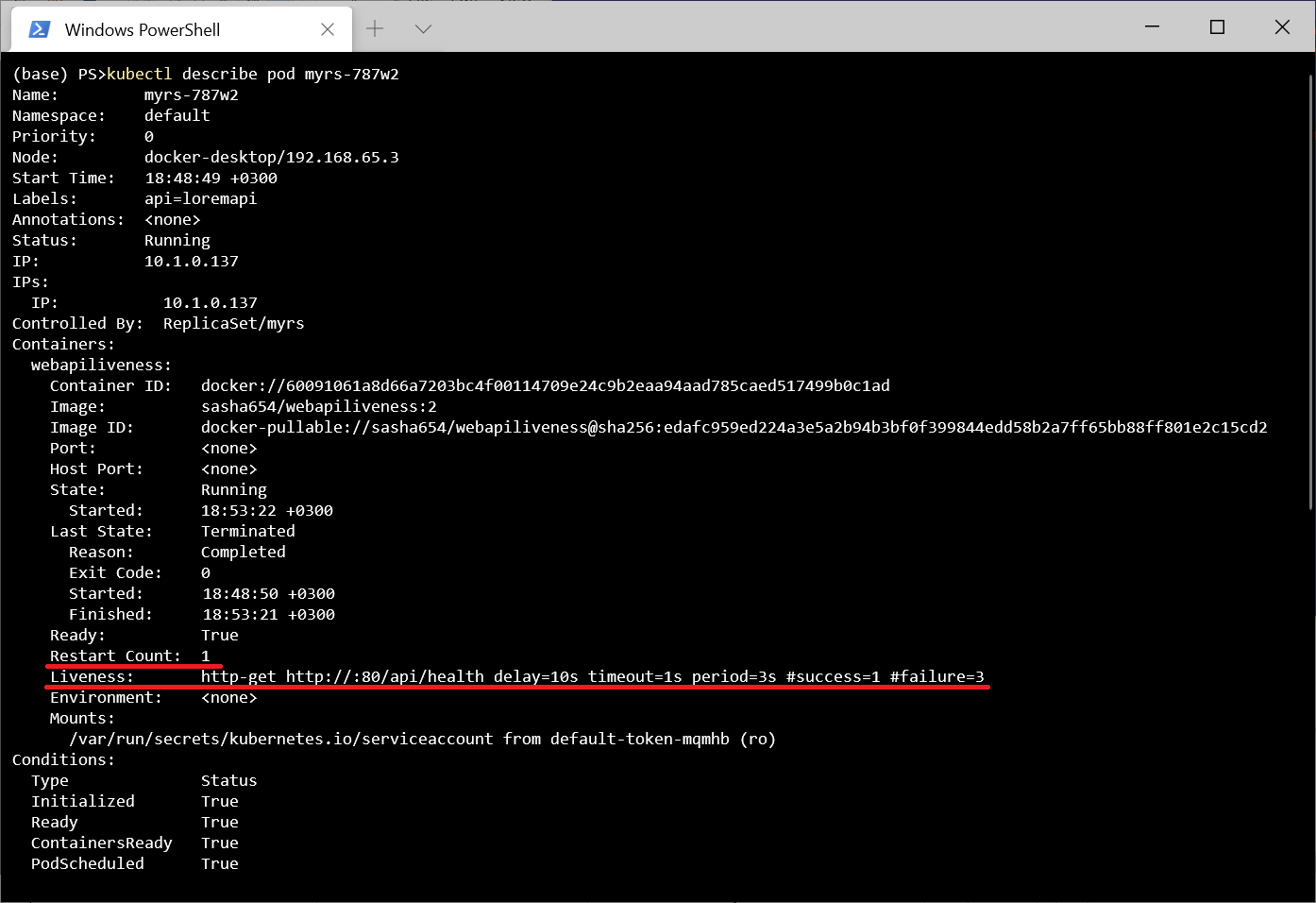
.
, , Kebernetes - (Readiness). , , . . - . , . , , Kubernetes .
Terakhir, saya akan menyebutkan bahwa ASP.NET menyediakan middleware Microsoft.AspNetCore.Diagnostics.HealthChecks untuk memudahkan pembuatan skrip pengujian. Secara khusus, ada fungsi yang memungkinkan Anda untuk memeriksa sumber daya eksternal, misalnya, SQL Server DBMS atau API jarak jauh.
Repositori dengan proyek terletak di sini .